Where vision meets craft
We design interiors that transcend trends — spaces rooted in materiality, proportion, and the way light moves through a room.
Design as Experience
We believe great interiors are not decorated — they are composed. Every material, every proportion, every negative space serves a purpose. Our philosophy is grounded in three principles:
- Materiality First — We begin with tactile qualities. The grain of walnut, the weight of linen, the warmth of brushed brass. Materials set the emotional tone before a single piece of furniture is placed.
- Light as Architecture — Natural and artificial light are designed together. We map sun paths, specify dimming curves, and position fixtures to sculpt atmosphere throughout the day.
- Restraint Over Excess — We edit relentlessly. The mark of a refined space is not what was added, but what was removed. Every object earns its place.
View Our Portfolio →A room should feel inevitable — as though it could not have been designed any other way.
Homes That Breathe

Our residential work spans city penthouses, coastal retreats, and countryside estates. We specialize in creating environments that balance beauty with everyday livability — spaces that photograph beautifully and feel even better in person.
Selected projects:
- The Kensington Townhouse — 5,200 sq ft restoration. Lime-washed oak, Venetian plaster, bespoke bronze hardware. 18-month collaboration.
- Côte d'Azur Villa — Mediterranean modern with reclaimed stone, indoor-outdoor living terraces, and a curated collection of mid-century furniture.
- Soho Loft — Industrial bones, refined palette. Poured concrete floors softened with wool rugs, exposed steel paired with linen and leather.
Every home is a portrait of its inhabitants. We never repeat ourselves.
Spaces That Perform
From boutique hotels to flagship retail, our commercial projects balance brand expression with operational reality. We understand that commercial interiors must earn their investment.
| Sector | Typical Scope | Timeline |
|---|---|---|
| Hospitality | Hotels, restaurants, private clubs | 8-14 months |
| Workplace | HQ offices, creative studios | 4-8 months |
| Retail | Flagships, concept stores | 3-6 months |
| Wellness | Spas, clinics, meditation studios | 3-5 months |
All timelines include design development, procurement, fabrication oversight, and installation supervision.
From Vision to Reality
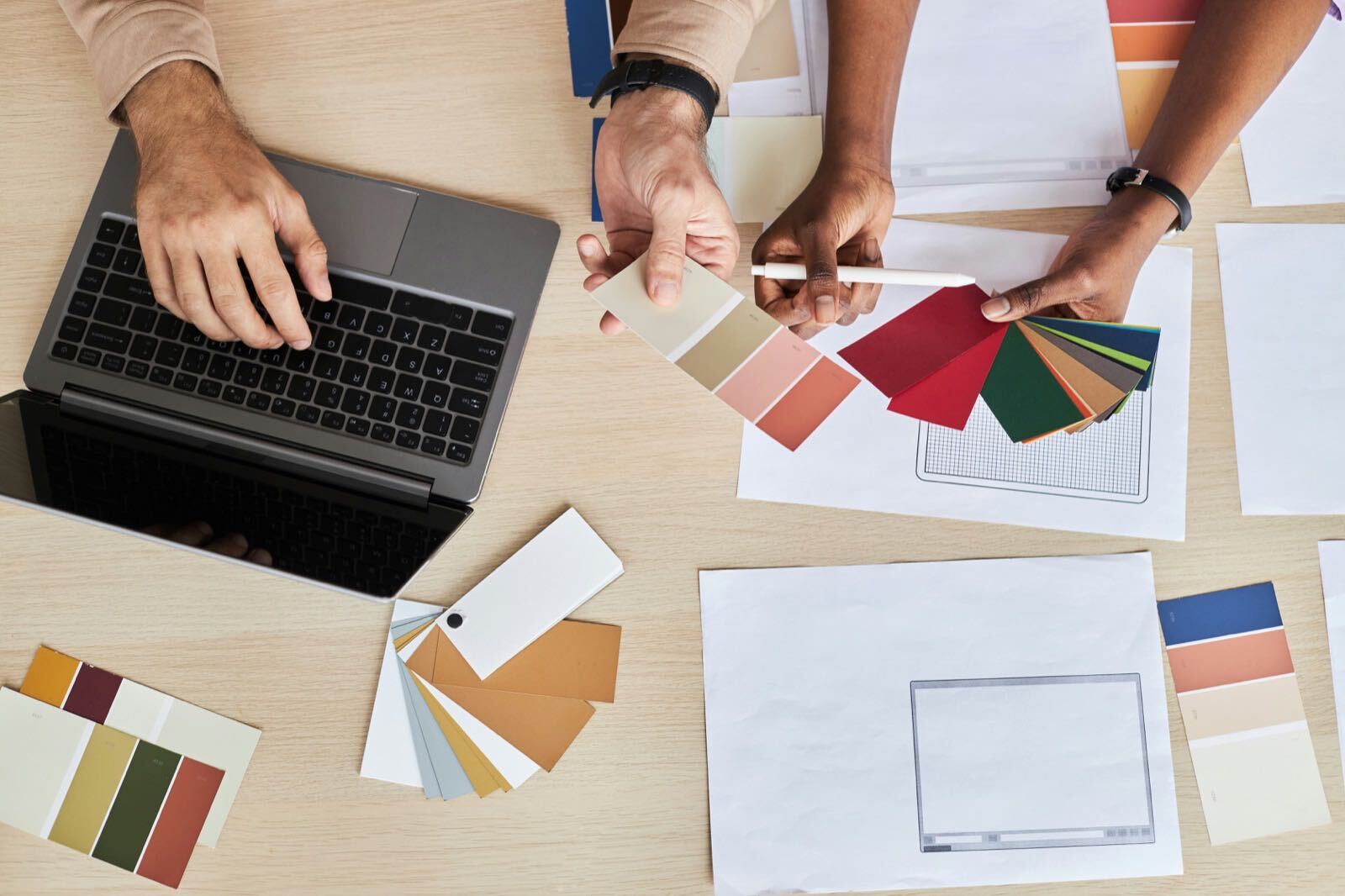
Our process is structured yet fluid — built to accommodate discovery while ensuring nothing falls through the cracks.
- Phase 1: Immersion — We spend time in your world. Site visits, mood boards, material libraries, deep conversation about how you live or work.
- Phase 2: Concept — Space planning, 3D visualizations, material palettes, and furniture sourcing. Two to three concept directions presented.
- Phase 3: Realization — Detailed drawings, contractor coordination, procurement management, and weekly site reviews.
- Phase 4: Reveal — Final styling, art placement, lighting scenes programmed, and a celebratory walkthrough with champagne.
Average project duration: 8-14 months from first meeting to move-in day.
Design as Experience
We believe great interiors are not decorated — they are composed. Every material, every proportion, every negative space serves a purpose. Our philosophy is grounded in three principles:
- Materiality First — We begin with tactile qualities. The grain of walnut, the weight of linen, the warmth of brushed brass. Materials set the emotional tone before a single piece of furniture is placed.
- Light as Architecture — Natural and artificial light are designed together. We map sun paths, specify dimming curves, and position fixtures to sculpt atmosphere throughout the day.
- Restraint Over Excess — We edit relentlessly. The mark of a refined space is not what was added, but what was removed. Every object earns its place.
View Our Portfolio →A room should feel inevitable — as though it could not have been designed any other way.
Homes That Breathe
Our residential work spans city penthouses, coastal retreats, and countryside estates. We specialize in creating environments that balance beauty with everyday livability — spaces that photograph beautifully and feel even better in person.
Selected projects:
- The Kensington Townhouse — 5,200 sq ft restoration. Lime-washed oak, Venetian plaster, bespoke bronze hardware. 18-month collaboration.
- Côte d'Azur Villa — Mediterranean modern with reclaimed stone, indoor-outdoor living terraces, and a curated collection of mid-century furniture.
- Soho Loft — Industrial bones, refined palette. Poured concrete floors softened with wool rugs, exposed steel paired with linen and leather.
Every home is a portrait of its inhabitants. We never repeat ourselves.
Spaces That Perform
From boutique hotels to flagship retail, our commercial projects balance brand expression with operational reality. We understand that commercial interiors must earn their investment.
| Sector | Typical Scope | Timeline |
|---|---|---|
| Hospitality | Hotels, restaurants, private clubs | 8-14 months |
| Workplace | HQ offices, creative studios | 4-8 months |
| Retail | Flagships, concept stores | 3-6 months |
| Wellness | Spas, clinics, meditation studios | 3-5 months |
All timelines include design development, procurement, fabrication oversight, and installation supervision.
From Vision to Reality
Our process is structured yet fluid — built to accommodate discovery while ensuring nothing falls through the cracks.
- Phase 1: Immersion — We spend time in your world. Site visits, mood boards, material libraries, deep conversation about how you live or work.
- Phase 2: Concept — Space planning, 3D visualizations, material palettes, and furniture sourcing. Two to three concept directions presented.
- Phase 3: Realization — Detailed drawings, contractor coordination, procurement management, and weekly site reviews.
- Phase 4: Reveal — Final styling, art placement, lighting scenes programmed, and a celebratory walkthrough with champagne.
Average project duration: 8-14 months from first meeting to move-in day.